
The easiest way to install, manage, and update OpenClaw
Set up OpenClaw without wrestling with WSL2, SSH hops, scattered config files, or risky upgrades. OpenClaw Studio gives you a clear desktop control panel.
Works on macOS 12+ and Windows 10+ · View previous versions
Control Your OpenClaw Stack in 5 Simple Steps
Install faster, configure visually, and manage your setup with more confidence.
Step 1
1. Native Installation
One-click setup for the OpenClaw engine on your local machine.
Step 2
2. Connect Instances
Link to local processes or connect to Cloud Server via secure SSH.
Step 3
3. Visual Configuration
Configure models, providers, and communication channels via intuitive forms.
Step 4
4. Backup & Update
Safely back up your config before updating the engine version.
Step 5
5. Monitor & Logs
Keep an eye on real-time logs and system health status.
Everything you need to run OpenClaw with less friction
Install faster, configure visually, and manage your setup with more confidence.
Cross-platform compatibility
Natively manage OpenClaw across Windows, macOS, and Linux servers without compatibility headaches.
Install locally or on a cloud server
Set up OpenClaw on your own machine or deploy to a cloud server over SSH with guided steps.
Multiple agents in one place
Create, switch, and manage different OpenClaw agents from one centralized desktop dashboard.
Visual configuration
Manage providers, communication channels, and advanced settings without editing JSON by hand.
In-app CLI operations
Approve pairings and authorize actions directly within the app—no need to juggle external terminal windows.
Skills made simpler
Browse, install, and update custom AI capabilities directly from the built-in integrations tab.
Logs and health at a glance
See live printed logs, check system status in real-time, and troubleshoot common issues faster.
Safer updates and backups
Safely update your engine version and back up configurations before making high-risk changes.
One-click clean uninstall
Completely remove OpenClaw and all its associated environment files from your system with a single click.
Why Choose OpenClaw Studio?
A comparison of the standard manual workflow versus the Studio experience.
Manual Terminal Workflow
- 01
Requires CLI knowledge, WSL2, or SSH setup.
- 02
Editing scattered JSON/YAML files by hand.
- 03
Risky "git pull" updates with config conflicts.
OpenClaw Studio Workflow
-
Guided visual installation and connection.
-
Centralized desktop dashboard with forms.
-
Safe backups and one-click version management.
Guided setup for local and cloud installs
Skip the command-line maze. OpenClaw Studio walks you through installation, naming, and setup step by step — whether you’re running locally or deploying to a server over SSH.
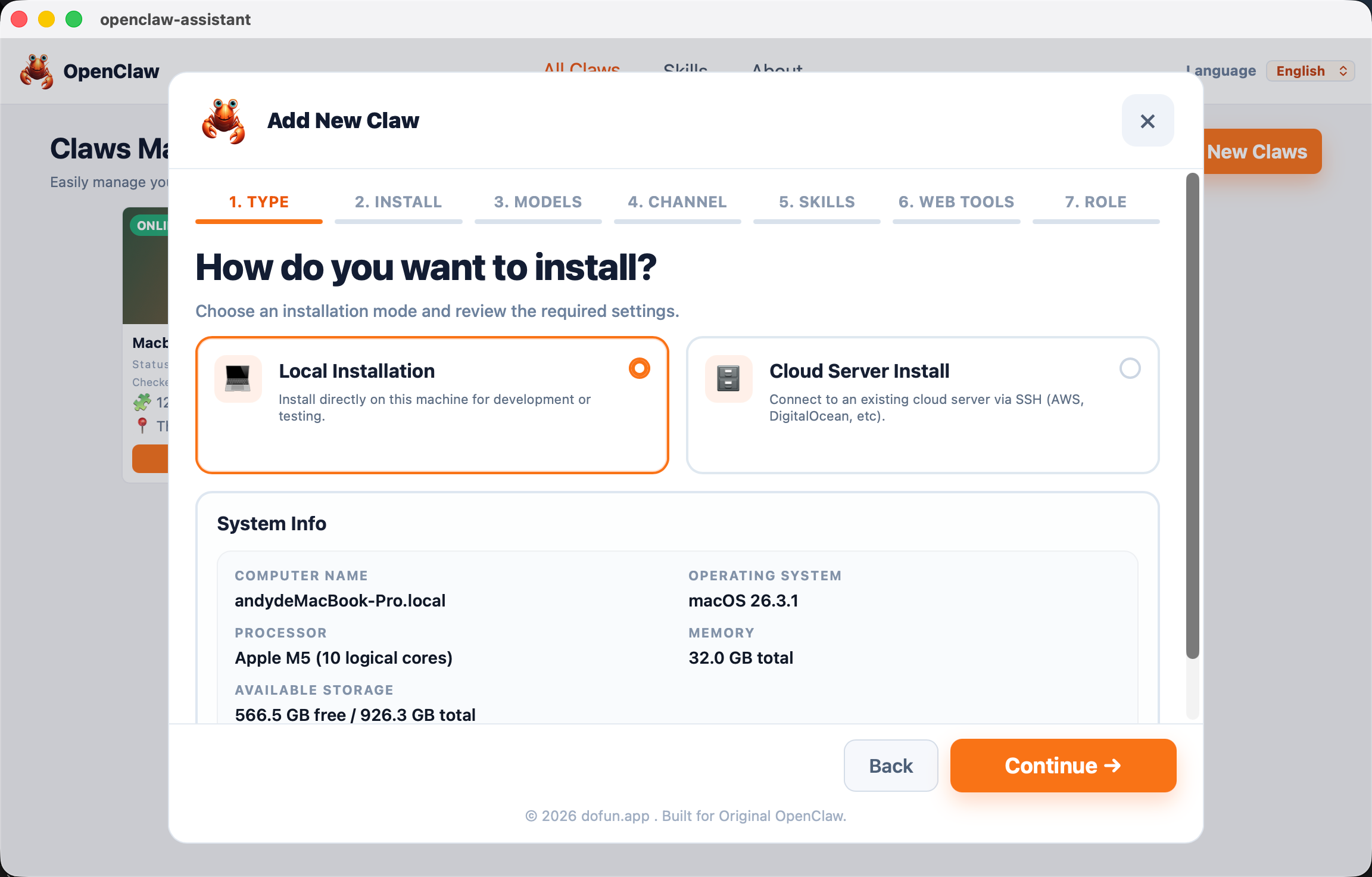
Visual setup for channels and providers
Connect OpenClaw to the tools and channels you actually use, with clear forms, secure token handling, and fewer manual config edits.
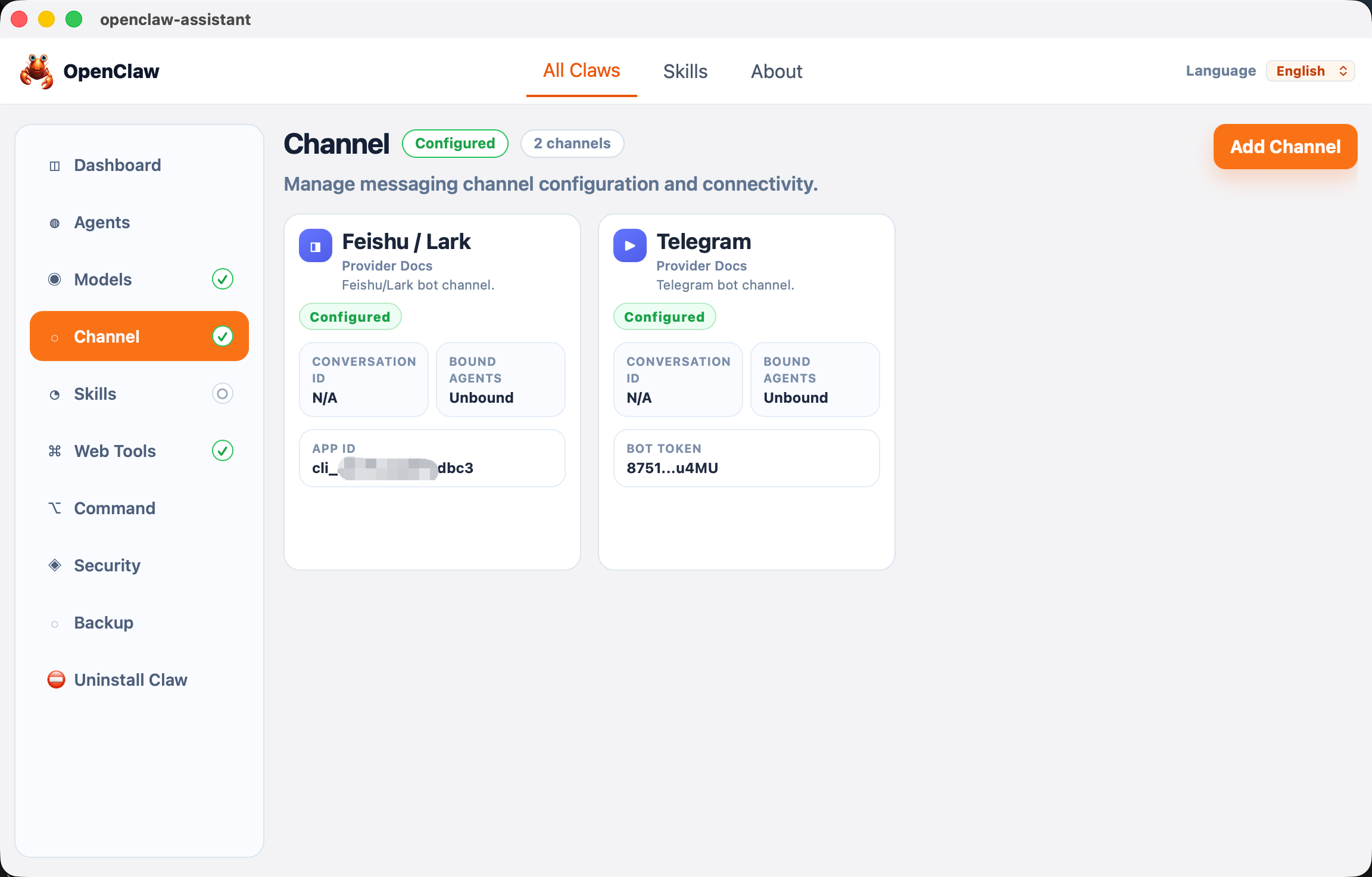
Manage skills from one desktop workspace
Browse, install, and update skills from inside the app, so your OpenClaw setup stays easier to extend and maintain.
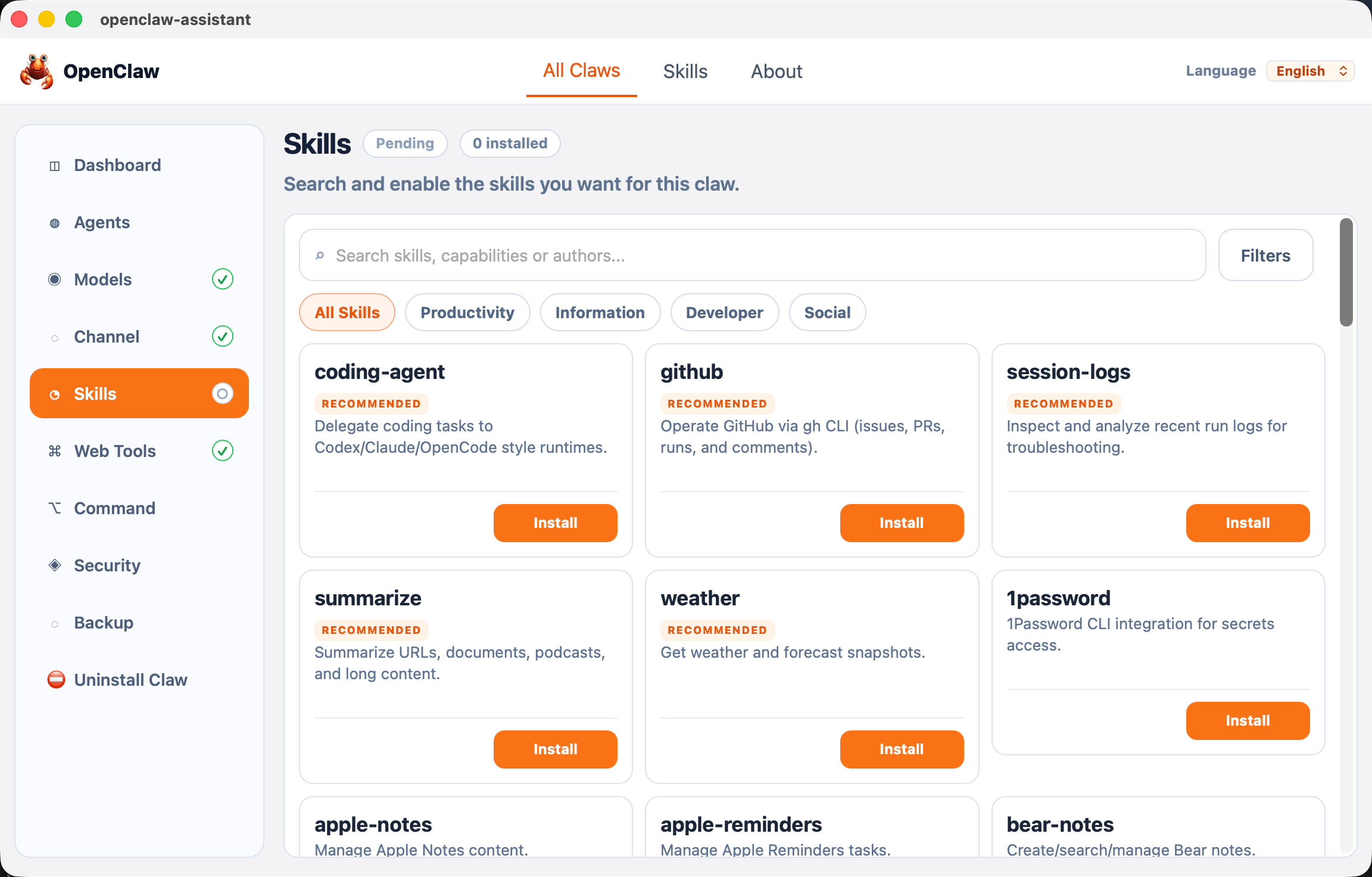
Professional Cloud Server Management
Stop wrestling with SSH hops and scattered logs. Manage your cloud fleet from your desktop.
Zero-config SSH tunneling
Multi-instance switching
Cloud backup and restoration
Unified log streaming
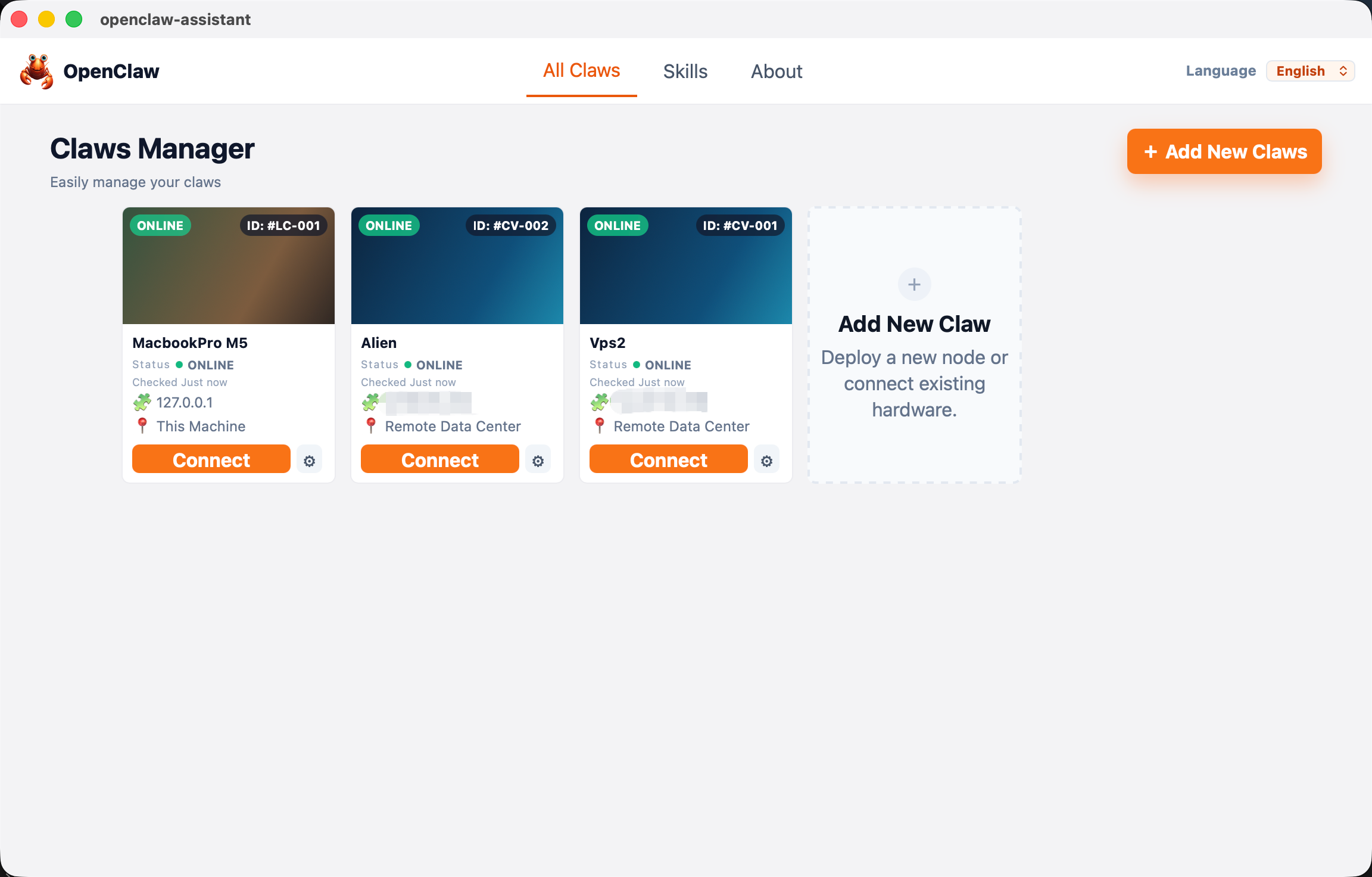
Built for Every Stage of Your OpenClaw Journey
Whether you are just starting or managing an army of agents, OpenClaw Studio adapts to your workflow.
For Beginners
Skip the terminal. Install dependencies, set up provider keys, and get your first agent running in minutes.
For Power Users
Manage multiple instances across local and remote servers. Track logs, tweak configs, and update skills without leaving the dashboard.
For Consultants & Teams
Standardize deployments for clients. Reduce support time by having a unified visual interface for troubleshooting.
Built for local control
Frequently Asked Questions
What does OpenClaw Studio do?
Is OpenClaw Studio an official OpenClaw product?
Does it install OpenClaw for me?
Do I need a powerful computer?
Does it support Cloud Server deployment?
How are my API keys handled?
How much does OpenClaw Studio cost?
Ready to make OpenClaw easier to set up and manage?
Download OpenClaw Studio and get started with local or cloud setup in minutes.
Explore the OpenClaw ecosystem
OpenClaw Engine
The AI that actually does things.
Clears your inbox, sends emails, manages your calendar, checks you in
for flights.
All from WhatsApp, Telegram, or any chat app you already use.